 15 June 2026
 Share
Share
1

Creating an organized and productive home office space is essential for anyone working remotely or managing tasks from home. A well-designed workspace can improve focus, reduce stress, and help you separate work life from personal life. Whether your home office is a dedicated room or a small corner, these tips will help you maximize your space and productivity.
One of the first steps in setting up your home office is picking the best spot. Ideally, choose a quiet area with minimal distractions. Natural light is a bonus because it can boost your mood and energy. If a separate room isn’t available, try a corner in a less-trafficked part of your home.
– Avoid high-traffic areas like the kitchen or living room.
– Position your desk near a window for natural light.
– Ensure good ventilation and comfortable temperature.
– Use room dividers or screens if you need to separate the space visually.
Comfort is key when spending hours working. A good chair and desk make a big difference in your posture and overall comfort.
– Ergonomic chair: Supports your back and promotes good posture.
– Spacious desk: Provides ample room for your computer, documents, and other tools.
– Adjustable options: If possible, choose desks or chairs that can be adjusted to fit your needs.
Cluttered spaces can lead to a cluttered mind. Keeping your desk tidy helps maintain focus and efficiency.
– Only keep daily essentials on your desk.
– Use organizers or trays to hold pens, paper, and other supplies.
– Adopt a “clean desktop” rule at the end of each day.
Storage helps keep your workspace clean and your documents easy to find.
– Use filing cabinets or portable file boxes for important papers.
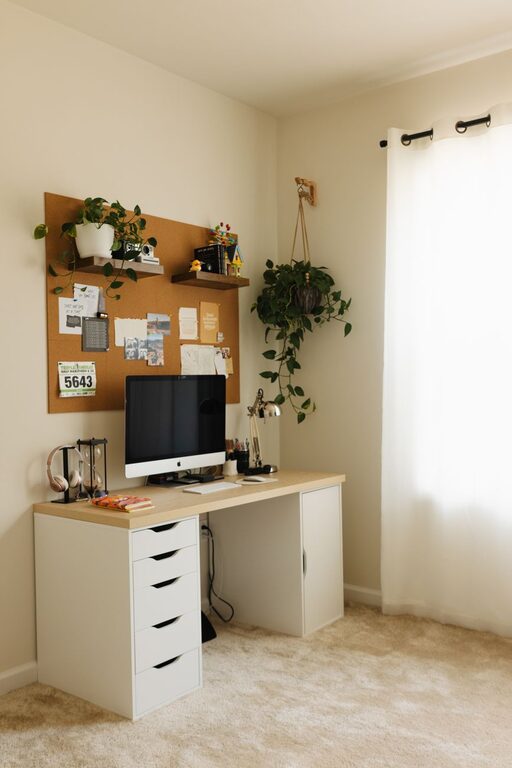
– Utilize shelves or wall-mounted units to free up desk space.
– Drawer organizers help separate small items like chargers, stationery, or notes.
Good technology setup is vital for a home office.
– Invest in a reliable computer and fast internet connection.
– Use noise-canceling headphones to block distractions.
– Organize cables with clips or sleeves to avoid tangling.
– Utilize productivity apps to manage your schedule and tasks.
Adding personal touches makes your home office inviting and motivating.
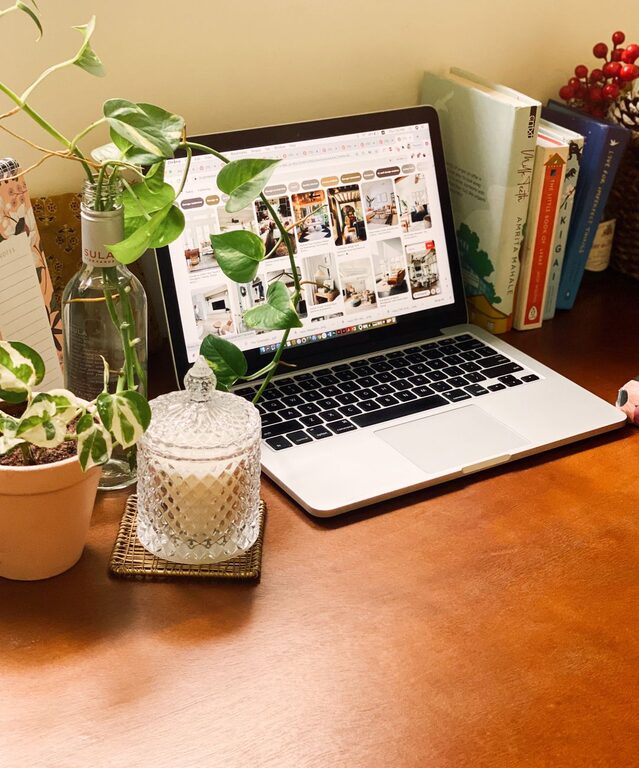
– Display photos, artwork, or plants.
– Choose colors that calm or energize you.
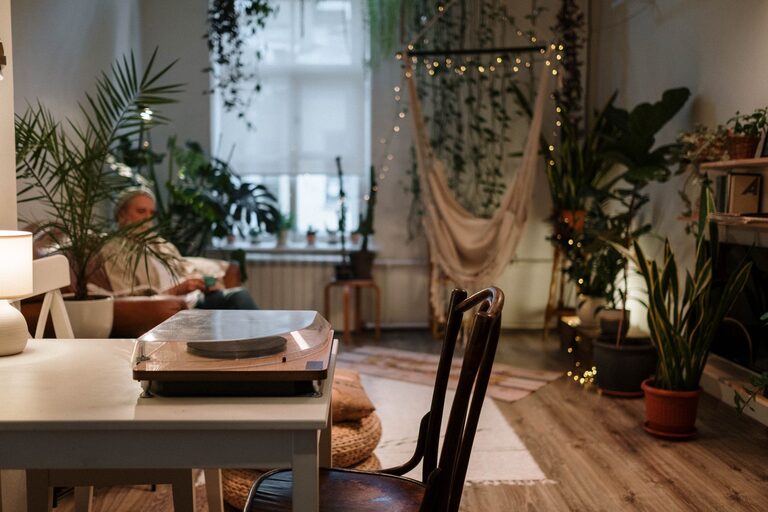
– Add a comfortable rug or cushions if space allows.
Even with the perfect space, productivity comes from good habits.
– Set consistent work hours.
– Take regular short breaks to move and stretch.
– Create a daily to-do list or planner.
– Minimize distractions by turning off unnecessary notifications.
Proper lighting reduces eye strain and boosts productivity.
– Use a combination of natural and artificial light.
– Position your monitor to avoid glare from windows or lamps.
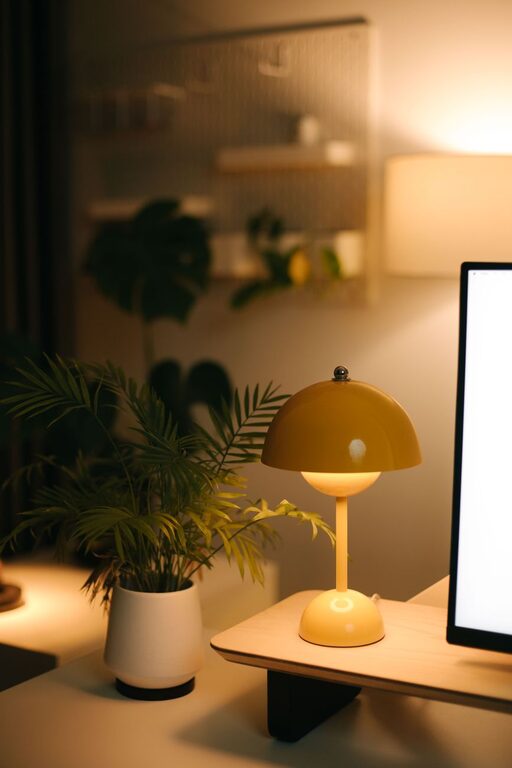
– Add a desktop lamp with adjustable brightness for focused tasks.
To maximize productivity, limit interruptions.
– Communicate your work hours to family or roommates.
– Use a “do not disturb” sign if needed.
– Silence phone alerts that are non-essential.
Your needs may change over time, so it’s important to adapt your space accordingly.
– Review your setup every few months.
– Declutter and reorganize as needed.
– Try new tools or layouts if productivity wanes.
—
By combining these strategies, you can create a home office environment that feels comfortable, organized, and inspiring. Remember, the best space supports your work style and helps you stay focused throughout the day. Happy working!